I'm not a network person. Is this for me?+
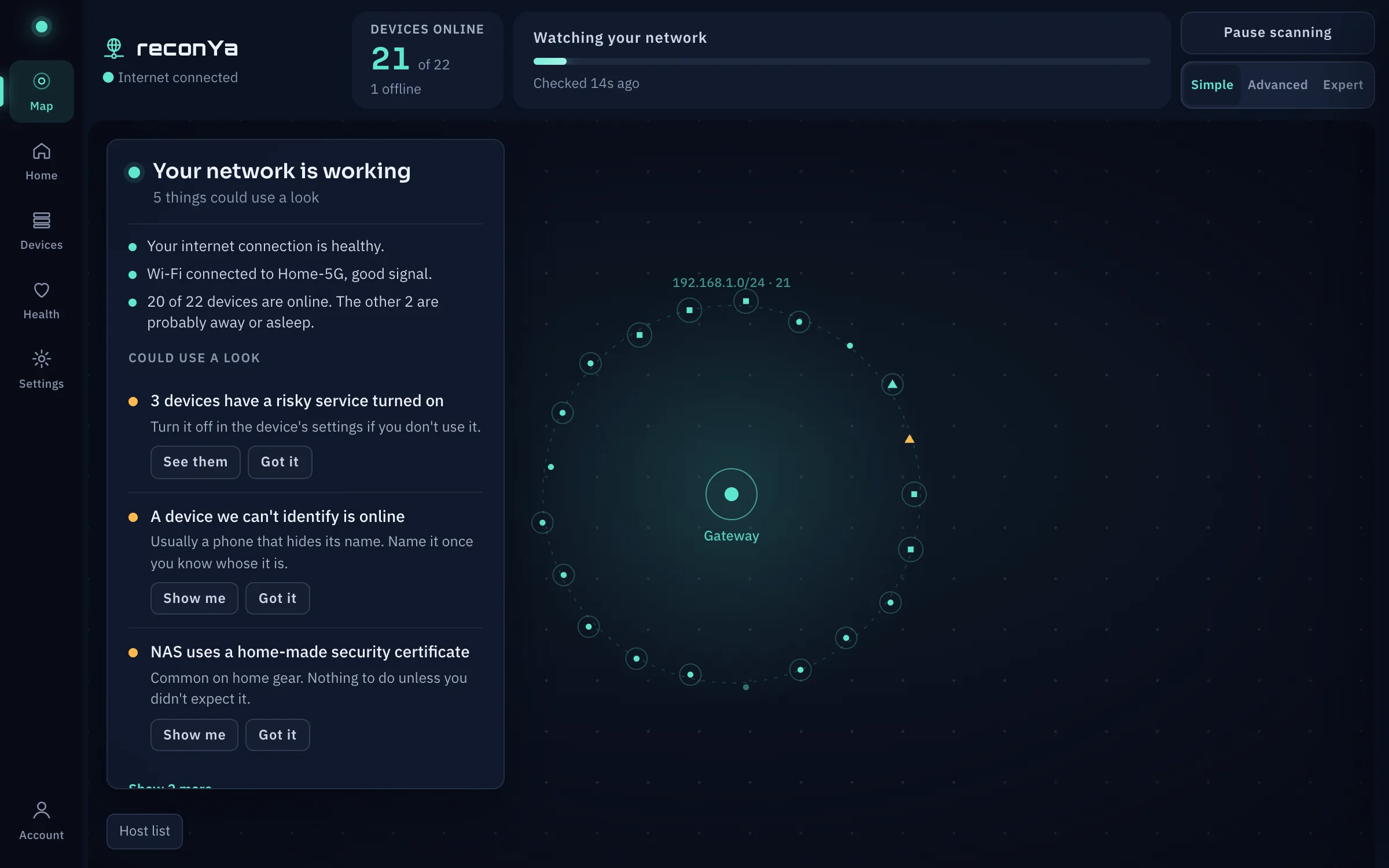
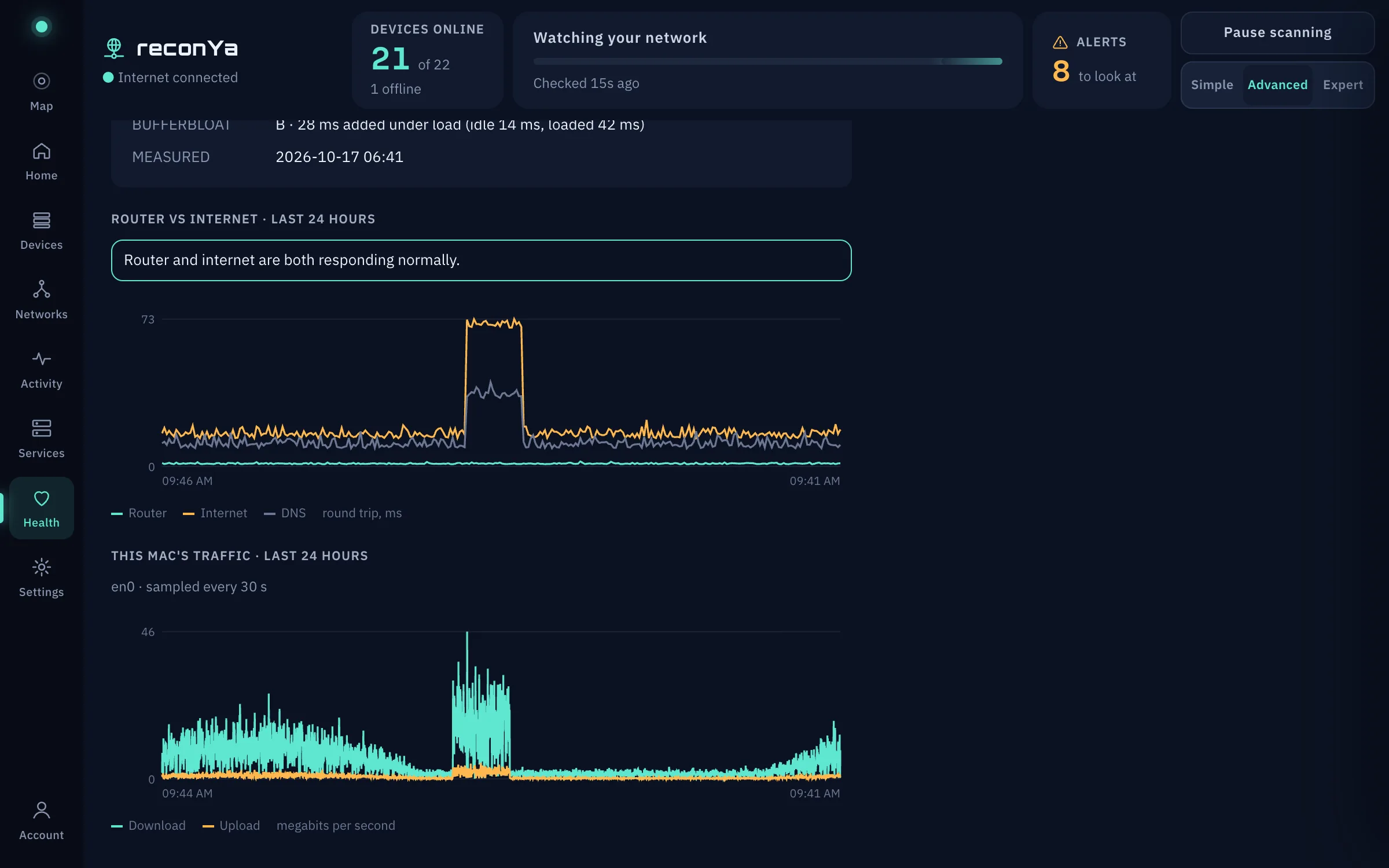
Yes. reconYa opens in the Simple view: a map and one card that says, in plain words, whether your internet, Wi-Fi and devices are fine, and what to do when something isn't. It starts watching on its own after the first launch. You never have to see an IP address unless you want to.
What do Advanced and Expert add?+
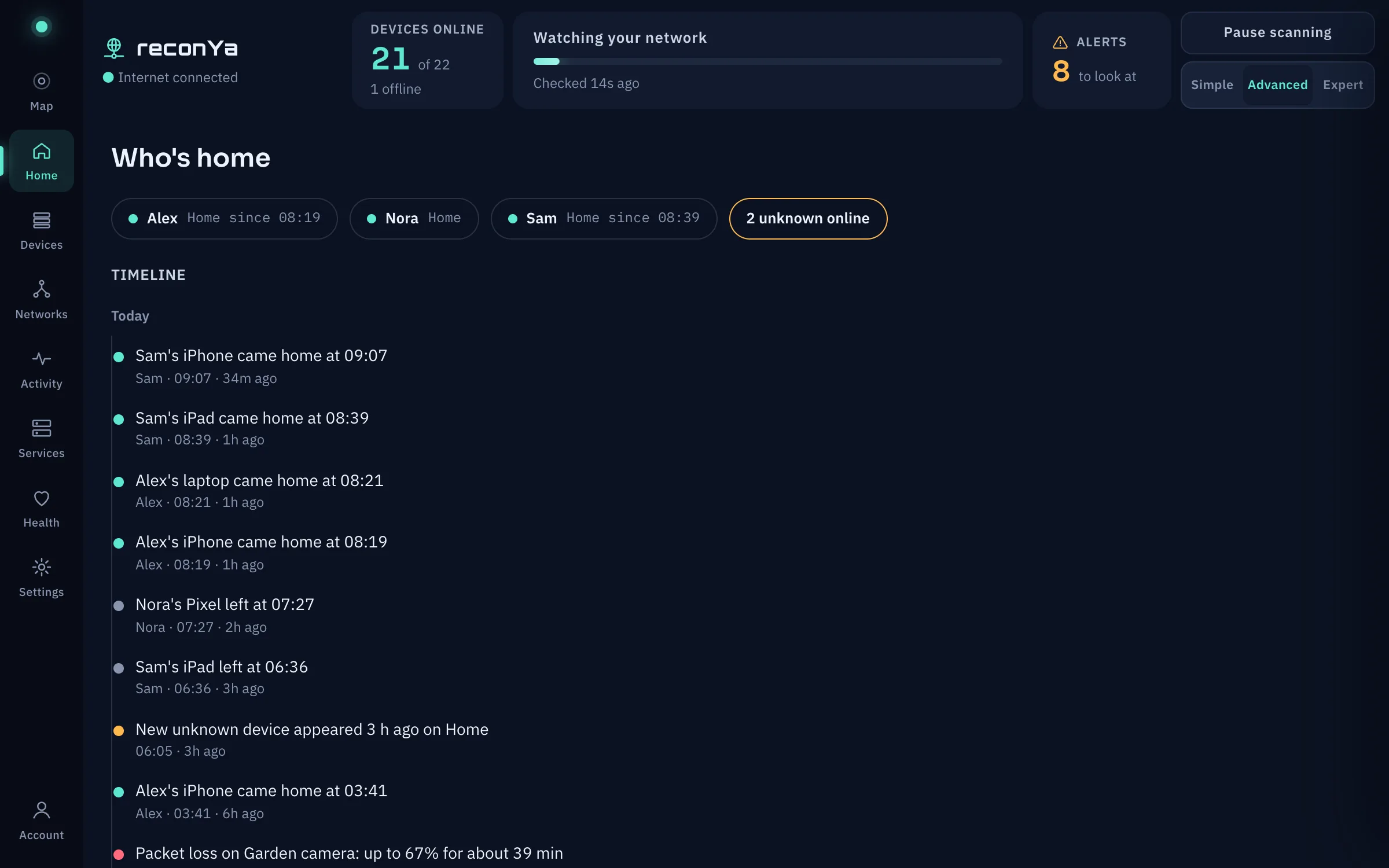
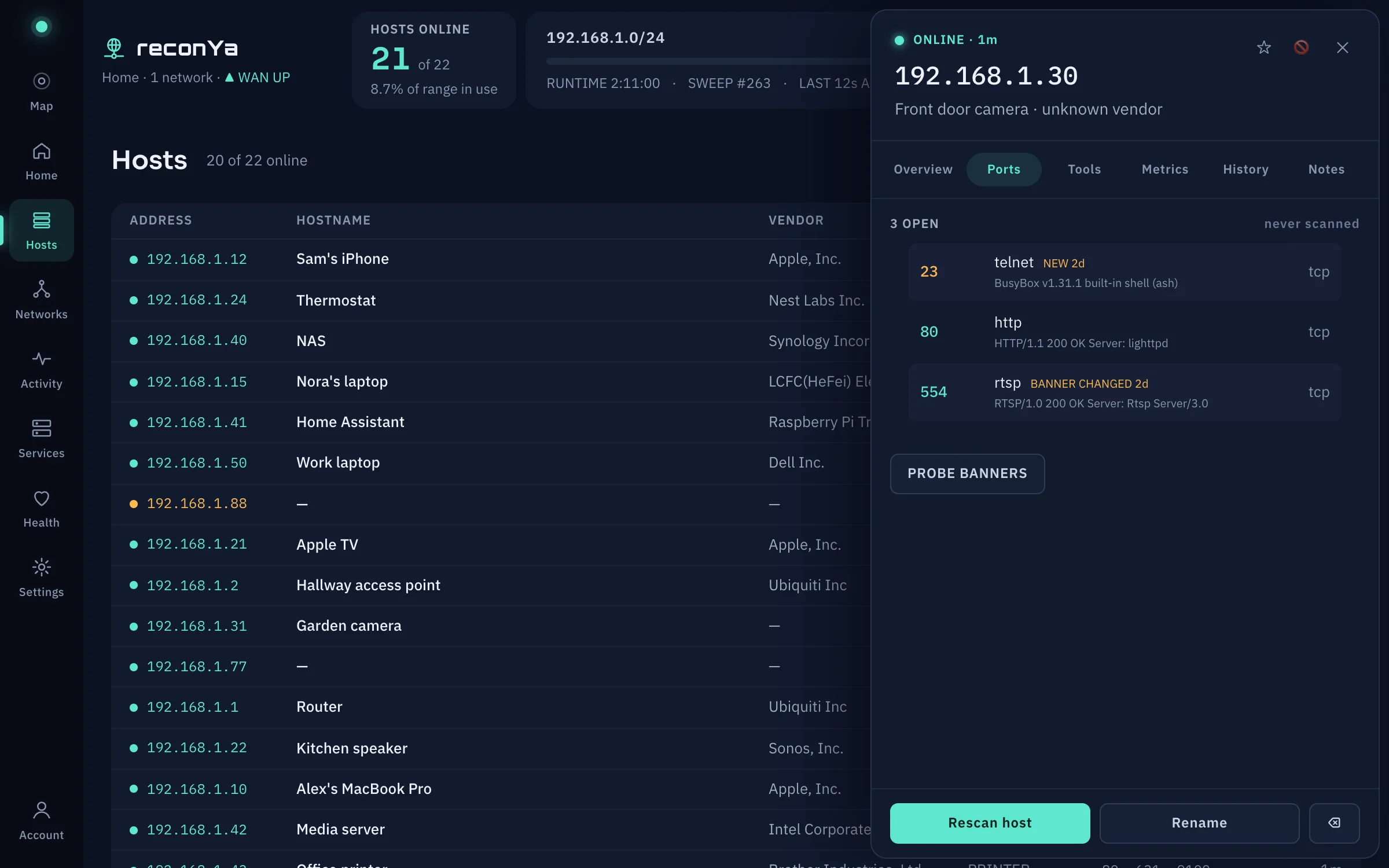
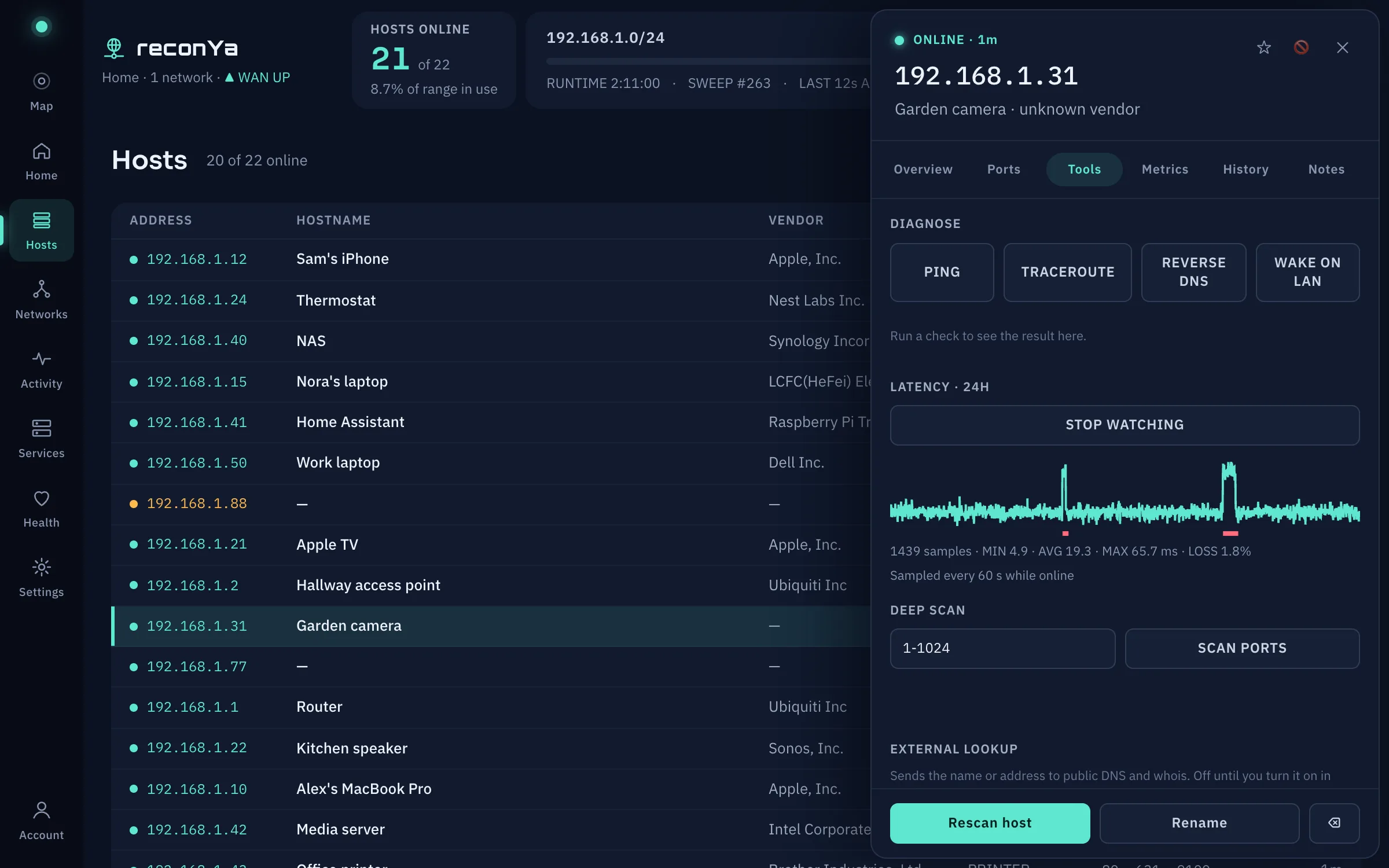
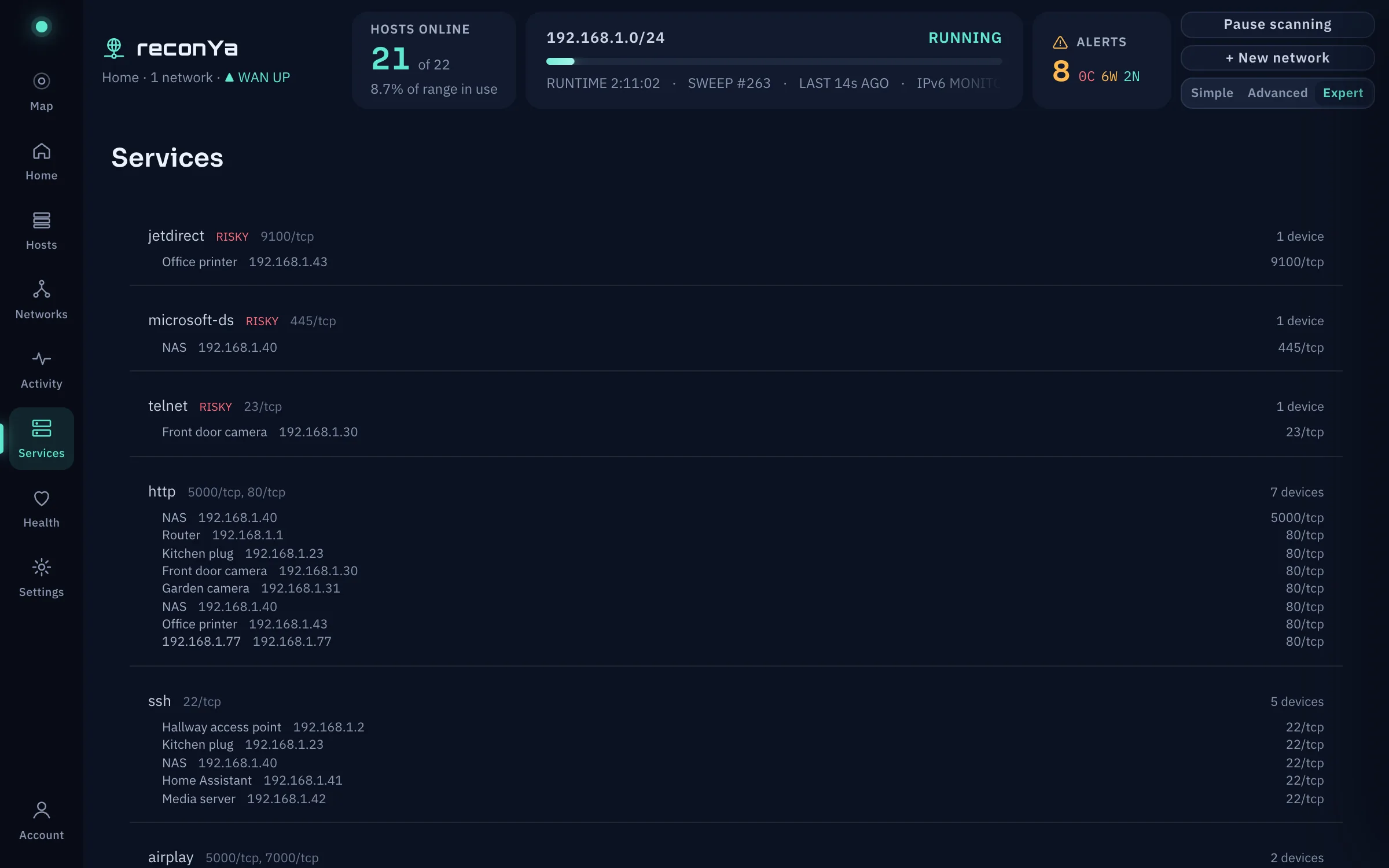
Advanced adds the device list with sortable, movable columns, the alert tile, the Wi-Fi card and the Activity and Services pages. Expert is the full operator console: addresses, MACs, ports, banners, the reasons behind each risk score, and per-host tools like traceroute, deep port scans, TLS certificate checks and latency watching. Switch from the top bar or Settings; it changes what you see, not what reconYa collects.
Is it legal to scan?+
On networks you own or administer, yes. Pointed at someone else’s, scanning ranges from rude to prosecutable depending on where you live. Scan your own kit.
Does it need admin rights?+
No. reconYa runs as a normal app: it pings with unprivileged ICMP, reads the ARP table macOS already keeps, and probes ports with ordinary connections. The only permission it asks for is Local Network access, which macOS requires for any app that talks to other devices on your LAN.
How is this different from nmap?+
nmap is a scalpel you run when you have a question. reconYa is the thing that keeps watching so you know a question exists: persistent inventory, a live map and a timeline, rather than one-shot output.
Can I ask Claude about my network?+
Yes, since 1.3.0. Turn on Settings → AI assistants (MCP) and add reconYa to Claude Desktop or Claude Code with the line the settings page shows. The assistant can read what reconYa found and take a few safe actions: acknowledge alerts, start a scan, rescan or rename a device. It cannot delete anything or change settings. reconYa itself still sends nothing out, but the answers go to the assistant you connect, so if that assistant runs in the cloud, so do they. That is why it is off until you turn it on.
Does any data leave my network?+
Your scan data never does. reconYa stores everything on your computer and has no account or telemetry. Your licence is checked on your computer, so the only things that go online are a quick check of whether your internet is up and three things you have to turn on yourself: checking for new versions, the speed test, and external DNS and whois lookups from a host's Tools tab. The details are in the privacy page.
Does it run on a server or in Docker?+
No, reconYa is a desktop app for the computer in front of you. It is available first on macOS; Windows and Linux will follow.
Which platforms are supported?+
macOS comes first: macOS 13 or later, a universal build for Apple Silicon and Intel. Windows and Linux will follow.
Can it watch more than one subnet?+
Two ways: define multiple target networks and scan them in turn, or give one network several CIDR ranges (two floors that don't share a supernet, say) and it sweeps each in turn and merges the results into one inventory. Either way, the host it runs on has to actually route to each range.
What exactly does €49.99 / $49.99 buy?+
A perpetual licence for reconYa on one computer, plus every release published in the 12 months after purchase. When that year is over the app keeps working on the last version you installed. If you want newer releases after that, renew for another year; if not, nothing changes.
How does the licence work? Do I need an account?+
No account. After you buy, your licence is shown on the thank-you page and emailed to you. Paste it into the app once; reconYa verifies it on your computer, without going online, so it works on air-gapped networks too. Moving to a new computer? Remove the licence on the old one and enter it on the new one. Lost it? Have it emailed again.
Why does macOS warn me when I first open it?+
reconYa is not notarized by Apple yet, so the first launch of each downloaded version needs one extra confirmation: System Settings → Privacy & Security → Open Anyway. The download page walks you through it.
Is there a trial?+
Fourteen days, every feature, no card. When it ends the console locks until you enter a licence, but scans keep running in the background and nothing is deleted, so buying later picks up exactly where you left off.